Rankings

Five Enclosures Ranked

We ranked these boxes on three things: how trustworthy the software is year after year, whether the hardware suits real household loads, and how much of your weekend each one asks for. Raw benchmark numbers matter less than you'd think; a box you understand is a box you'll actually back up.


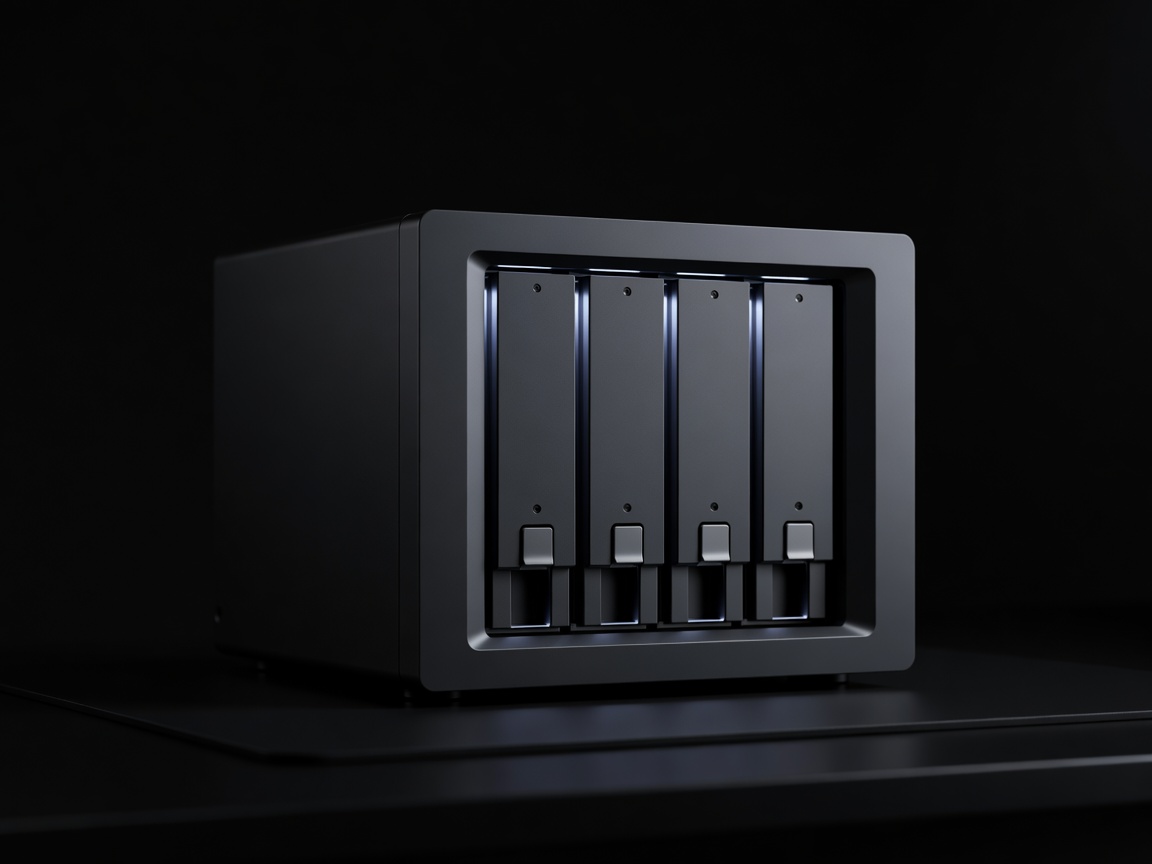
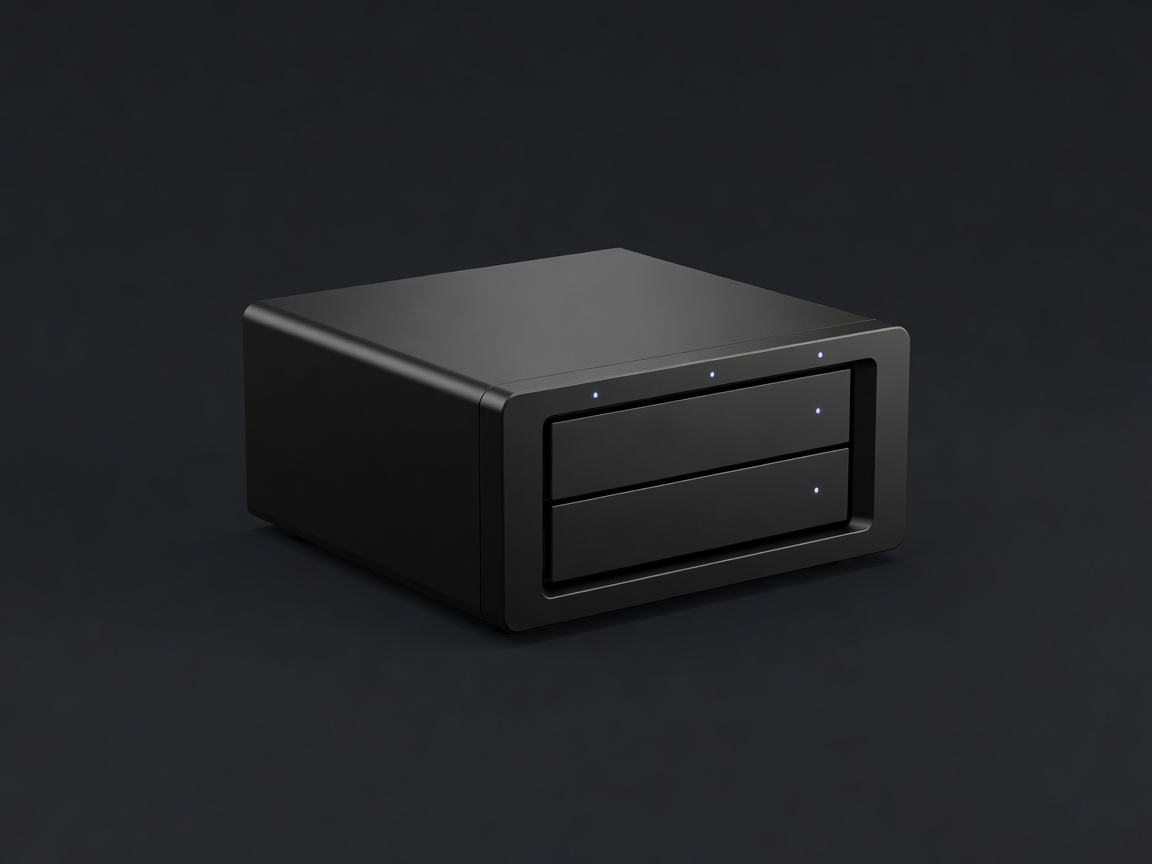
Soft-lit render of a compact black two-bay NAS enclosure on a plain dark backdrop
1

Synology DS224+

The DS224+ is not the fastest box here, and that is rather the point. Its Intel Celeron J4125 is a modest four-core chip, but it has hardware video transcoding, sips power, and leaves plenty of headroom for file sharing, Synology Photos, Hyper Backup and a couple of lightweight containers. DSM is the reason it leads: updates arrive regularly, the interface is coherent, and features such as Btrfs snapshots and Snapshot Replication protect you from ransomware and fat-finger deletions without any scripting.

The limits are honest ones. Two bays cap your growth, the stock 2 GB of memory is tight once you add containers (a single upgrade module takes it to 6 GB), and the network ports are plain 1 GbE. For a household that mostly streams photos and stores documents, none of that will bite. Synology's more recent Plus models tie drive support closely to its own branded disks, so check the current compatibility list for whichever model you buy before ordering drives.

  • Bays2
  • CPUIntel Celeron J4125
  • RAM2 GB, max 6 GB
  • Network2 × 1 GbE
  • OSSynology DSM
Render of a four-bay NAS with front drive trays lit softly against a dark background
2

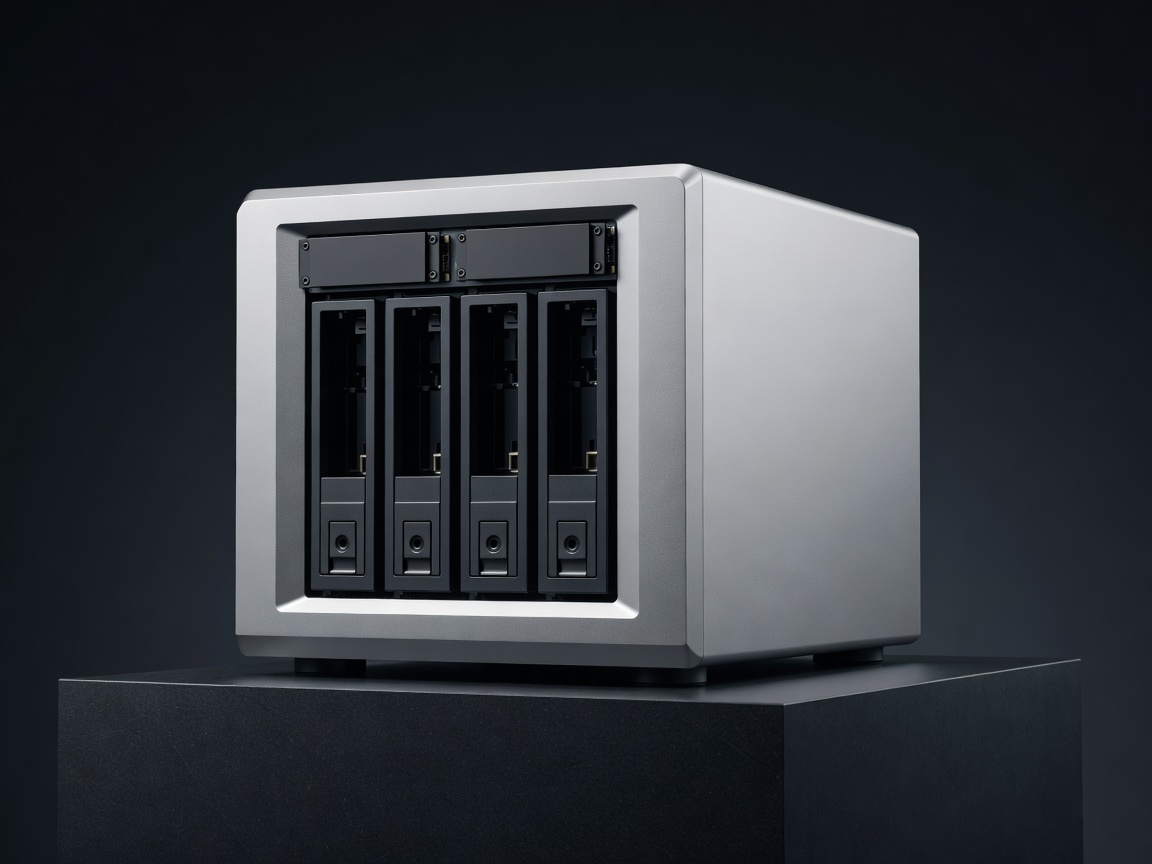
Synology DS923+

Same DSM, twice the bays. The AMD Ryzen R1600 is a dual-core chip with strong single-thread speed, and the 4 GB of ECC memory expands to 32 GB, which matters if you run Virtual Machine Manager or many containers. Two M.2 NVMe slots handle caching, and a PCIe slot accepts Synology's 10 GbE card. The catch: no integrated graphics, so Plex transcoding falls to the CPU. Choose it for capacity and longevity, not media conversion.

Render of a silver four-bay NAS with two NVMe slots on a dark plinth
3

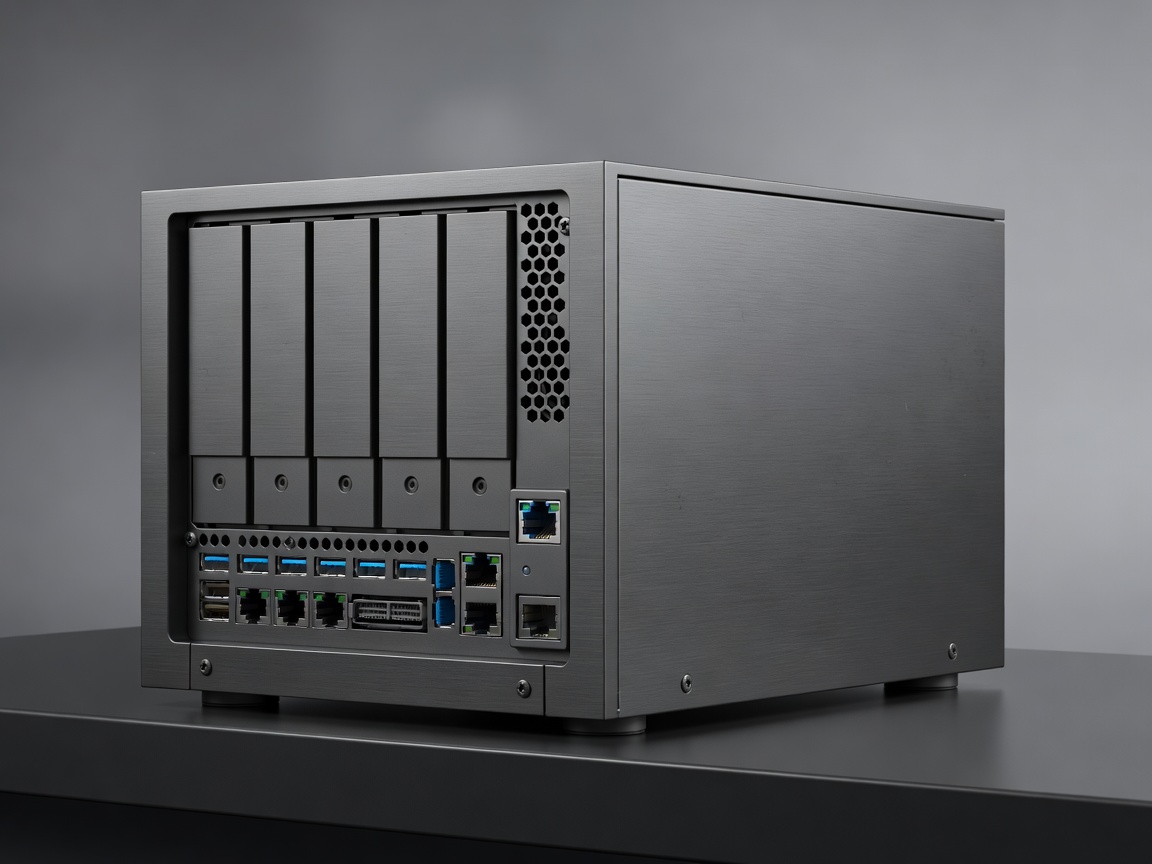
QNAP TS-464

QNAP gives you more hardware per pound: an Intel Celeron N5095 with Quick Sync, 8 GB of memory, two 2.5 GbE ports, two NVMe slots, a PCIe slot and HDMI output. QTS is feature-dense, from Container Station to Virtualization Station, though it is busier to navigate than DSM. QNAP's history with ransomware campaigns means you should keep firmware current and never expose the admin page to the internet. For hands-on owners, it's superb value.

Render of a dark grey aluminium four-bay NAS with a 10 GbE port visible at the rear
4

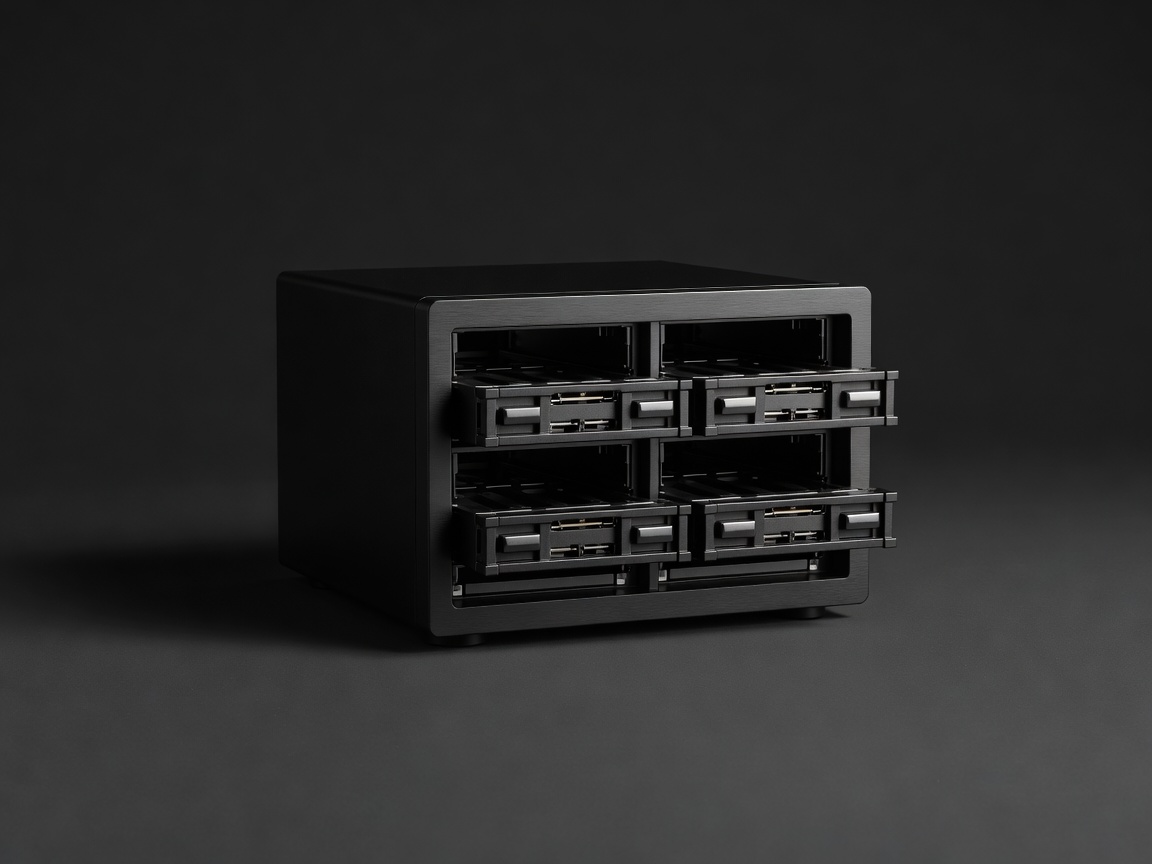
UGREEN NASync DXP4800 Plus

UGREEN arrived in storage with hardware that embarrasses older rivals: a five-core Intel Pentium Gold 8505, 8 GB of DDR5, one 10 GbE and one 2.5 GbE port, plus two NVMe slots, in an aluminium chassis. UGOS Pro covers the basics and supports Docker, but the app ecosystem and long-term update record are still young. Many owners install TrueNAS or Unraid instead, which the hardware handles happily.

Render of a compact black four-bay NAS cube with drive bays exposed on a plain dark backdrop
5

TerraMaster F4-424 Pro

The most raw power on this list: an eight-core Intel Core i3-N300 and 32 GB of DDR5, with two 2.5 GbE ports and two NVMe slots. TOS has improved markedly, but it trails DSM and QTS in polish and backup tooling. Buy it if you plan to live in Docker, run Jellyfin with hardware transcoding and a dozen services, and don't mind reading forum threads.

How to Choose Between Them

Start with how much you store today and multiply by three; that is roughly what you'll want in five years once phone cameras keep improving. Under 8 TB of usable space, a two-bay box with two mirrored drives is the calm option. Above that, a four-bay box lets you add drives one at a time with Synology Hybrid RAID or QNAP's expansion tools.

Next, decide how hands-on you want to be. If you want storage that behaves like an appliance, stay with Synology. If you enjoy configuring things and want faster networking for less money, QNAP, UGREEN and TerraMaster reward the effort. Whatever you pick, budget for drives — they often cost as much as the enclosure — and for an off-site backup target. Our drive and RAID guide and backup plan cover both.

Finally, think about electricity. A two-bay box idling with drives spun down draws far less than an old desktop left on as a server, and four-bay boxes with NVMe and 10 GbE draw more. Running 24 hours a day, small differences add up across a year.