Choosing Drives and a RAID Level
The enclosure gets the attention, but the drives hold your data and the RAID level decides what happens when one of them stops spinning. Here is how to choose both with a clear head.
Drives First
Buy drives designed for always-on, multi-bay use. WD Red Plus and Seagate IronWolf are the mainstream choices for two- to eight-bay boxes; WD Red Pro, IronWolf Pro and Toshiba N300 suit heavier loads. These use CMR (conventional magnetic recording). Avoid SMR drives in a NAS: they rebuild painfully slowly, which lengthens the risky window after a failure. Desktop drives lack the vibration tolerance and error-recovery behaviour a RAID needs.
Some buyers save money with recertified enterprise drives or by "shucking" disks from external USB enclosures. Both can work, but warranties are shorter or void, so lean even harder on your backups if you go that route.
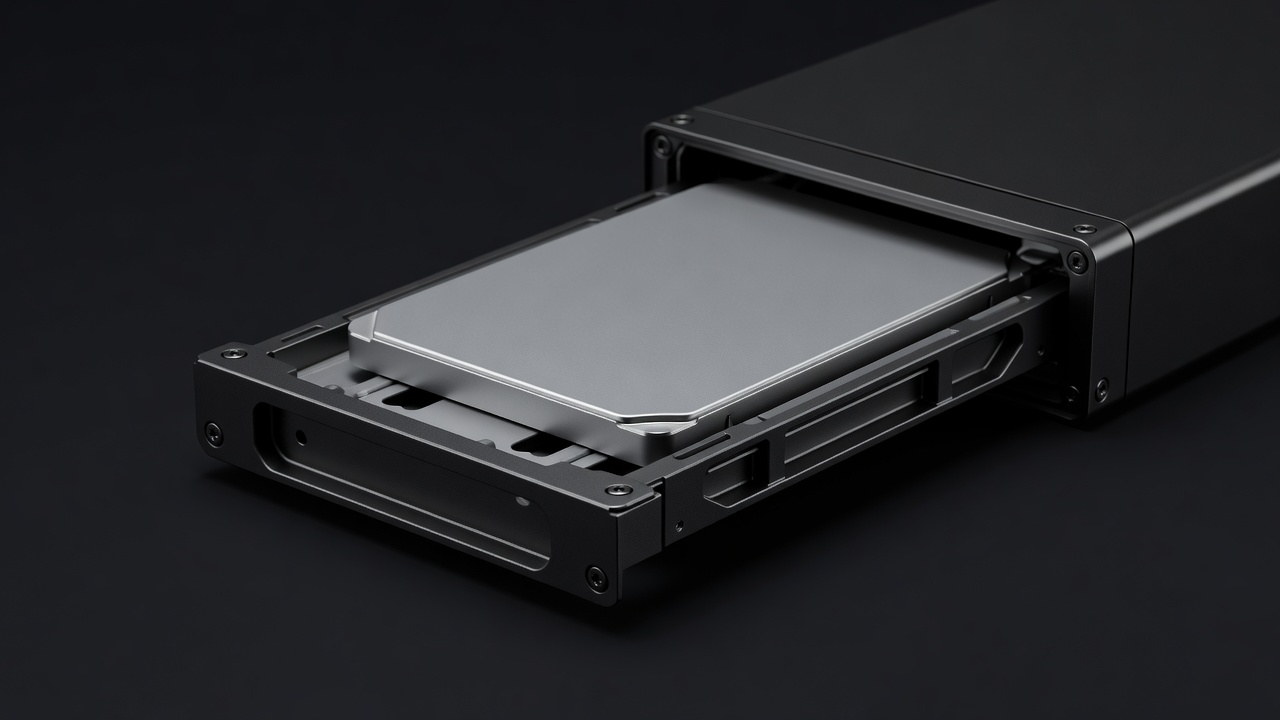
RAID Levels Compared
| Level | Min. drives | Usable space | Drives that can fail | Best for |
|---|---|---|---|---|
| RAID 0 | 2 | All | None | Scratch space only; never for anything you'd miss |
| RAID 1 | 2 | One drive | 1 | Two-bay boxes; simplest and safest |
| RAID 5 | 3 | All but one | 1 | Three- or four-bay boxes with smaller drives |
| RAID 6 | 4 | All but two | 2 | Large drives, irreplaceable archives |
| RAID 10 | 4 | Half | 1 per mirrored pair | Speed-sensitive work such as VMs |
| Synology SHR-1 | 1 | Varies; uses mixed sizes well | 1 | Synology owners who grow gradually |
| Synology SHR-2 | 4 | Varies | 2 | Synology four-bay with large drives |
How to Pick Yours
With two bays, the answer is almost always RAID 1 (or SHR-1, which behaves the same with two drives). You get the capacity of one drive and survive the loss of either. It also has the gentlest rebuild: the NAS simply copies the surviving drive to the new one.
With four bays, RAID 5 or SHR-1 gives you three drives' worth of space. That is efficient, but consider the rebuild. When one drive dies, the NAS must read every remaining block to reconstruct it, often for a day or more with today's 12–20 TB drives. During that time a second failure loses the pool. Drives from the same batch, of the same age, under the same load, sometimes fail close together. For drives above roughly 8 TB, many experienced owners choose RAID 6 or SHR-2 and accept losing two drives' worth of space.
RAID 10 suits virtual machines and editing workloads that care about random speed, but most households never notice the difference over a 1 GbE or 2.5 GbE link. RAID 0 has no place holding anything you care about.
What RAID Is Not
RAID protects you against one specific problem: a drive failing. It does nothing about accidental deletion, ransomware encrypting your shares, a firmware bug, a house fire, or the whole NAS being stolen. Every one of those affects all drives at once. That is why snapshots, and a separate copy away from the box, are not optional. Our backup plan covers the habit that actually keeps files safe.
NVMe Slots and Caching
Several boxes here include M.2 NVMe slots. As a read/write cache, they speed up small random files and databases, but a write cache needs two matching SSDs to be safe, and for photos and video the benefit is small. On QNAP, UGREEN and TerraMaster you can instead create a fast SSD pool for containers and apps, which often helps more. Treat NVMe as a later upgrade, not a day-one requirement.
Mind the Health Checks
Schedule SMART tests monthly and data scrubbing every one to three months. Watch for reallocated or pending sectors: a rising count means replace the drive soon, while it is still your choice rather than an emergency. Keep one spare drive of the same size on the shelf if you can; it turns a failure into a fifteen-minute job.